- Published on
Home network security upgrade, part 3: blocking Modbus writes to a home battery with Suricata
- Authors

- Name
- Peter Peerdeman
- @peterpeerdeman
This is part 3 of a series on the hashbang home network security upgrade:
- from a flat LAN to VLAN zones on OPNsense
- firewalling WireGuard access with admin and family roles
- blocking Modbus writes to a home battery with Suricata (this post)
- Security Onion on Proxmox with a switch mirror port
- agentic blueteaming with Security Onion
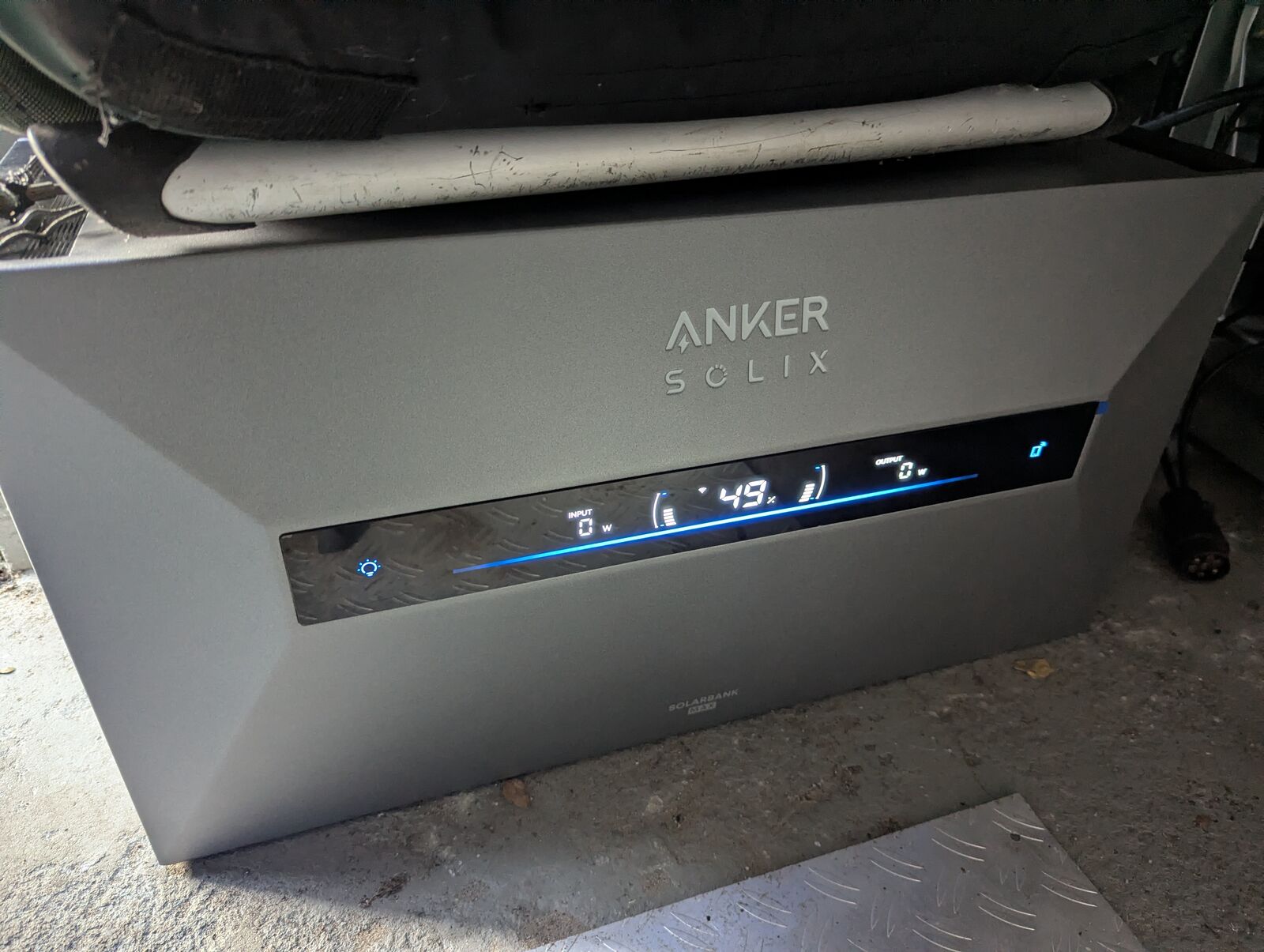
Our home battery can be controlled locally over Modbus TCP. That's great for integration with Home Assistant, which can read live power data without a cloud roundtrip. But Modbus has no authentication whatsoever. Any device on the network can read and write registers, which means changing the operating mode or the charge and discharge limits. While this won't cause a fire or [spoil food in the freezer]((https://nltimes.nl/2026/11/02/fridges-freezers-17-dutch-businesses-attacked-large-supermarkets-unaffected), this setup can be seen as synonymous for any network with OT devices attached.
Because we cant fix the devices at the protocol level, we need to control who can reach the devices ports and which Modbus commands we will let through.
step one: its own VLAN
As described in part 1, the battery, its smart plugs and the P1 meter live on their own ENERGY VLAN with their own wifi password. On the firewall, only one host is allowed to talk to port 502, which is the machine where Home Assistant runs.
Before blocking anything, I wanted to know what normal traffic looks like. I had already set up Security Onion on a mirror port of the firewall uplink (more on that in part 4), its Zeek sensor are able to parse Modbus out of the box. A day of data gave a clear picture:
- the official Home Assistant Anker integration polls the battery and three plugs over long-lived TCP connections
- it only uses function codes 3 and 4 (read holding registers, read input registers)
Then I changed the charging limit from the Home Assistant dashboard, and Zeek immediately logged WRITE_SINGLE_REGISTER (function code 6). To see what was actually written, I pulled the packets from Security Onion's PCAP store and decoded the frames:
| register | meaning | values seen |
|---|---|---|
| 10064 | operating mode | 0 = self consumption, 7 = dynamic pricing |
| 60000 | charging limit | 97, 100 (percent) |
A Modbus TCP frame looks as follows: the first seven bytes are the header (transaction id, protocol id 00 00, length, unit id), and byte 7 is the function code:
06 EA 60 00 61
│  └─┬─┘ └─┬─┘
│    │     └── value 0x0061 = 97
│    └── register 0xEA60 = 60000
└── function code 6: write single register
The policy claude and I wanted was simple: the ENERGY VLAN is read-only from the LAN. Reads pass, every write function code gets dropped. The Anker app (via their cloud) remains the one way to change settings. Maybe we'll switch around in the future, but for now we need the internet connection for Anker's dynamic tariff planning feature.
the Suricata rule
The firewall can't look inside a TCP packet, but Suricata can. On OPNsense we've used "divert mode", which means it only inspects traffic that a firewall rule explicitly hands over. I added a floating pass rule for home assistant → ENERGY :502 with divert-to Suricata, and this rule:
drop tcp any any -> 10.0.35.0/24 502 (msg:"ENERGY Modbus write blocked (read-only policy)"; flow:to_server,established; content:"|00 00|"; offset:2; depth:2; pcre:"/^.{7}[\x05\x06\x0f\x10\x16\x17]/s"; classtype:policy-violation; sid:9100010; rev:1;)
content:"|00 00|"; offset:2checks the Modbus protocol id, so random TCP on port 502 doesn't match- the
pcreskips the 7 header bytes and matches any write function code: 5, 6, 15, 16, 22 and 23 - reads (3 and 4) never match, so they are allowed to pass
One thing to note in this setup is that the divert mode on the is "fail-closed", which means that if Suricata restarts or crashes, the diverted traffic stops. For the battery that's acceptable. Home Assistant would lose its readings for a moment, but the battery would keep running on its own settings and the Anker app keeps working through the cloud.
getting a custom rule into OPNsense
OPNsense has no GUI or API for custom rule files. The "user defined" rules only take addresses and an action, and the download tab only lists rulesets that are described by an XML file on disk. To inject our own rule, we came up wit hthe following approach
- put the rules in a git repository the firewall can read, e.g. a small public repo on my git server, which holds all our (future) custom rules
- drop a metadata XML on the firewall, once, in
/usr/local/opnsense/scripts/suricata/metadata/rules/:
<?xml version="1.0"?>
<ruleset documentation_url="https://gitea.example.internal/peter/hashbang-network-rules">
    <location url="https://gitea.example.internal/peter/hashbang-network-rules/raw/branch/main/suricata/" prefix="local"/>
    <files>
        <file description="energy-modbus (ENERGY read-only)">energy-modbus.rules</file>
    </files>
</ruleset>
- enable
local/energy-modbusin the download tab and hit "Download & Update Rules"
From now on, we can create our own rules via git.
We started testing the rule with the policy set to alert. Changing the charging limit in Home Assistant still worked, and OPNsense logged the alert with action allowed. After switching the policy to drop, every write showed up as blocked and the battery would not receive write commands anymore.
cleaning up the user interface
With writes blocked on the network, the controls in Home Assistant had become buttons that only produce errors. The integration exposed the battery (operating mode, grid flow, power control, charge and discharge limit, backup reserve) and an on/off switch per smart plug, which were disabled Via Settings → Entities. The device and its sensors stay enabled, so readings keep flowing; only the controls disappear. Only an admin can re-enable them.
A future hardening would be to close down the other direction: the battery talks to the Anker cloud, and currently the ENERGY VLAN can reach the entire internet. The plan is to collect information on which hosts it actually uses, so I can replace "allow any" with a short allow-list.
This whole investigation leaned on Security Onion's view of what actually happens on the wire. How that's set up, with a USB NIC on a switch mirror port, is part 4: Security Onion on Proxmox with a switch mirror port.